 ThaiPDF
DECIPHER
From scan to editable.
Turn scanned PDFs and images into editable documents with intelligent text recognition.
Pro plan
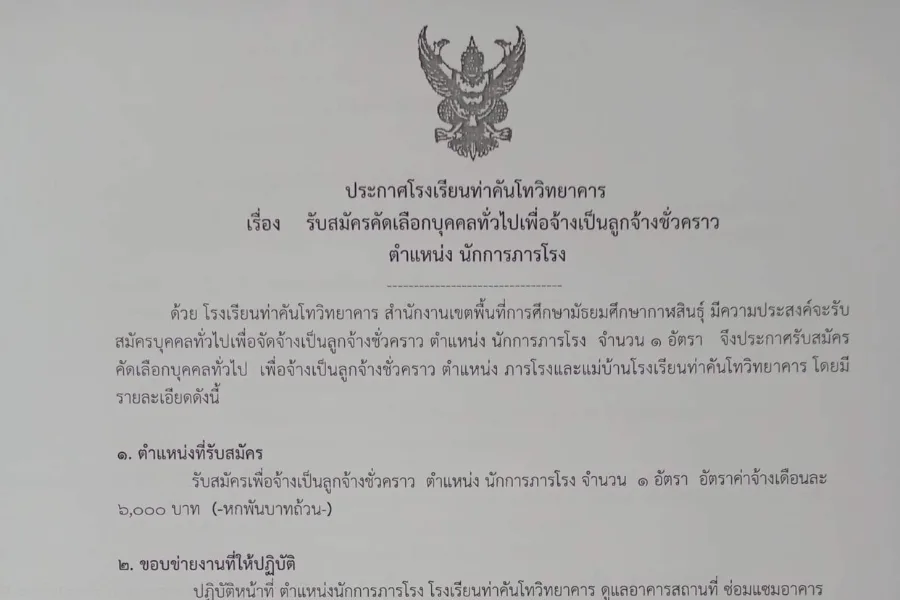
How it works
- 1
Choose a scan or photo
A scanned PDF, or a phone photo of a document (JPG/PNG).
- 2
Decipher reads it
Page by page on our own server, with progress as it goes.
- 3
Edit it in the editor
The result opens in the editor: change text, sign and download.
What it does
- Real, editable Thai textWhat it reads becomes real text you can copy and search.
- Logos and stamps keptLogos, stamps, signatures and anything it can't read for certain stay exactly as scanned.
- Scans and photosScanned PDFs, and photos of documents as JPG or PNG.
- PrivateRead on ThaiPDF's own server, never sent to an outside OCR service, deleted within 24 hours.
Files and limits
- PDF, JPG and PNG files
- Up to 10 pages per document
- 50 pages a month
- Pro plan
- Files deleted from the server within 24 hours
Good for
- Official letters received on paper
- Announcements and orders you need to adapt
- Old documents without the original file
Questions
How is this different from a normal scan?
A normal scan is a picture: its text can't be edited. Decipher reads the letters in the picture and builds a PDF with real text you can edit, copy and search.
Is every letter right?
Automatic reading can make mistakes, especially in names, numbers and dates, so check before you use the document. Anything it can't read for certain stays as the original picture.
Is my file sent anywhere else?
No. It's processed on ThaiPDF's own server, never sent to an outside OCR service, and deleted within 24 hours.
How many pages can I use?
Up to 10 pages per document and 50 pages a month, on the Pro plan.